Quantity Breaks for Shopify
Increase AOV with volume discounts, tiered pricing and Buy X Get Y offers.
- Works with Online Store 2.0 themes
- $3/month, or $29/year
- No theme code needed
- Volume discounts
- Tiered pricing
- Buy X Get Y
- BOGO deals
- Mix & match bundles
- Countdown timers
- Shopify Functions
- Online Store 2.0
Overview
What is Quantity Breaks?
A Shopify quantity breaks app that turns a single-price catalog into tiered, margin-aware offers: the more a shopper buys, the less each unit costs.
Quantity Breaks adds volume discounts, tiered pricing tables, Buy X Get Y offers and mix & match bundles to your products, and shows them on the product page exactly where the buying decision happens: next to the variant picker and the quantity selector.
The discount applies automatically at checkout through Shopify Functions, so there are no coupon codes to share or leak, and no theme code to maintain.
Volume discounts & quantity price breaks
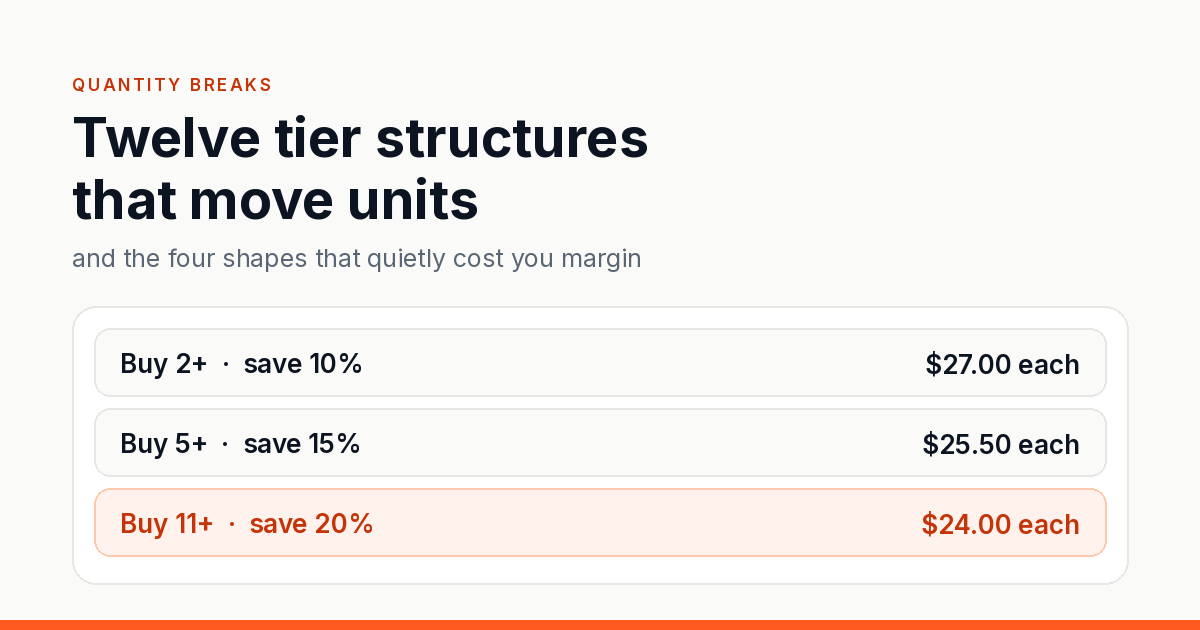
Percentage or fixed-amount breaks per quantity, shown as a tier table with the most popular tier highlighted, so shoppers compare before they choose a quantity.
Buy X Get Y & mix & match
BOGO and Buy X Get Y offers, plus mix & match bundles, so shoppers can build a box instead of buying six of the same thing.
One plan, no code
$3/month or $29/year. Add the offer block in the theme editor, and discounts apply through Shopify Functions at checkout.
Admin preview
Every offer, one clean dashboard.
Create offers, see which are live, and watch performance without leaving Shopify admin.
- Every offer type in one listVolume discounts, Buy X Get Y and mix & match offers side by side.
- Status at a glanceSee which offers are live on your store and which are paused.
- Performance overviewRevenue, orders, AOV and offer views, so you can see what converts.
Features
Powerful features to boost your sales
Every offer type, the widget shoppers see, and the numbers behind it, in one app.
- Popular
Volume discounts
Offer automatic discounts based on quantity purchased, as a percentage or a fixed amount off.
Discount table widget
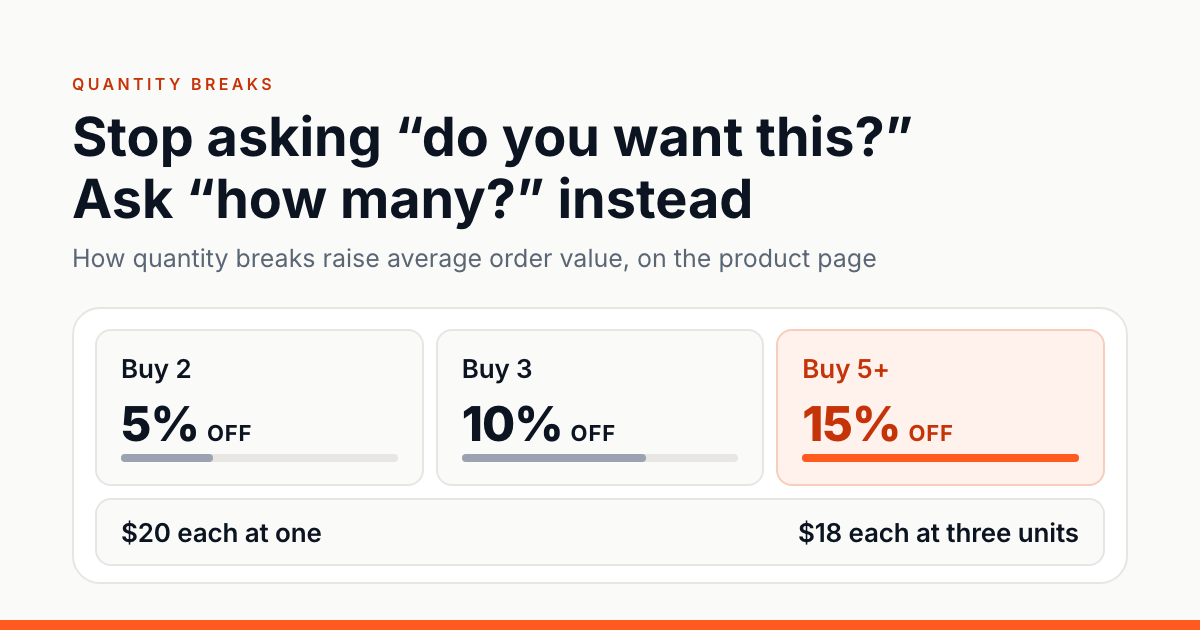
Show tiered pricing tables on product pages, with the per-unit price at every break and the best tier highlighted.
Buy X Get Y & BOGO
Run buy two, get one free, or discount a second item when shoppers buy from a set.
Mix & match offers
Allow customers to combine variants and products (flavors, scents, sizes) and still reach the next tier.
Countdown timers
Add a countdown to a quantity break, bundle or Buy X Get Y offer for limited-time deals.
Automatic checkout discounts
Discounts apply at checkout through Shopify Functions, with no coupon codes to share or leak.
Style & customize
Choose a card, list or compact layout and match the look to your store theme.
Built-in analytics
Track performance and see which offers convert.
Easy setup
Create your first offer in just a few clicks, with no theme code.
How it works
How to create quantity breaks on Shopify
Three steps to bigger carts: create the offer, show it on the product page, and watch the results. No code at any step.
Step 1 of 3
Create offer
Choose your offer type, set tiers and discounts in minutes.
- Install Quantity Breaks from the Shopify App Store and open it from your admin.
- Choose a volume discount, a Buy X Get Y offer or a mix & match bundle.
- Pick the products, collections or variants it applies to. One collection of repeat-purchase items is a good first test.
- Set 2–3 tiers, for example buy 2 save 10%, buy 3 save 15%, buy 5 save 20%.
Admin · Offer settingsStep 2 of 3
Show on product page
The discount table appears on your product pages, beside the quantity selector.
- Pick a layout (card, list or compact) and match it to your theme.
- In the theme editor, add the offer block next to the quantity selector. No code needed.
- Preview the tier table and the you-save line exactly as shoppers will see them.
Storefront · Product pageStep 3 of 3
Increase conversion
Customers buy more, you increase AOV and grow your revenue.
- Publish the offer now, or add a countdown timer for a limited-time deal.
- Watch revenue, orders and AOV in the app’s analytics.
- Tune the tiers once you have data. A top tier at 1.5–2× your current AOV is a sensible start.
Admin · Live offer
Who it’s for
Perfect for every Shopify store
Fashion & Apparel
Increase order value on clothing, shoes and accessories.
Beauty & Cosmetics
Encourage bulk purchases of skincare and beauty products.
Health & Supplements
Boost repeat orders for vitamins and wellness products.
All Ecommerce Stores
Works for any product, any niche, any store size.
Worked example
Why tiers beat a sitewide percentage.
A headline discount is what the shopper sees; the blended discount is what you pay. Tiered quantity breaks keep the two far apart.
Before
Sitewide 20% code
$16,000
gross profit over the promotion
- Applies to every order, even full-price ones
- Blended discount: 20%
- Units per order: 1.0, unchanged
After
Tiered quantity breaks
$33,632
gross profit over the same traffic
- Applies only to shoppers who add more
- Blended discount: 8.4%
- Units per order: 2.8 on 35% of orders
| Measure | No promotion | 20% sitewide | Tiered breaks |
|---|---|---|---|
| Revenue | $40,000 | $32,000 | $59,712 |
| Cost of goods | $16,000 | $16,000 | $26,080 |
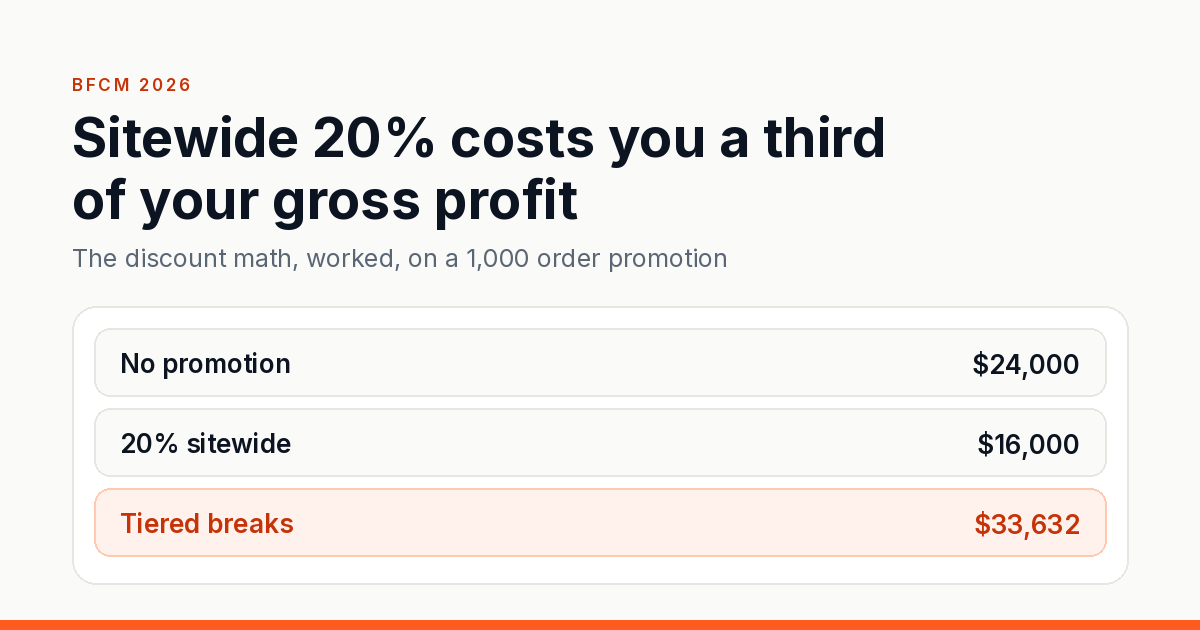
| Gross profit | $24,000 | $16,000 | $33,632 |
| Blended discount | None | 20% | 8.4% |
Worked with round numbers so you can substitute your own: 1,000 orders at a $40 AOV and a 60% gross margin. With tiers, 35% of orders buy 2.8 units at an average 14% off. The sitewide code cuts gross profit by a third and still brings in less revenue than the tiers.
Pricing
Simple, transparent pricing
One plan, every feature. Billed in USD every 30 days, or save 19% with annual billing.
Billed in USD every 30 days. Annual billing works out at $29/year, a 19% saving.
Professional
Every feature, in a single plan.
$3/month
- Unlimited offers
- All offer types (volume, tiered, BXGY, BOGO)
- Mix & match offers
- Countdown timers
- Product, collection and variant targeting
- Analytics & reporting
- Support from the developers who build the app
FAQ
Frequently asked questions
Everything merchants usually ask before installing Quantity Breaks.
Want a gift product added to the cart automatically? See Free Gift & Upsell
Key terms
A short glossary, because the words matter.
- Quantity breaks
- Price breaks set by how many units a shopper buys: the more they add, the less each unit costs. Also called quantity price breaks or quantity discounts.
- Average order value (AOV)
- Revenue divided by orders. Quantity breaks target it directly: same traffic, more units per order.
- Volume discount
- A price break triggered by quantity: buy N, save X%. The simplest mechanic, and usually the first one to launch.
- Tiered pricing table
- Several breaks shown together on the product page, so shoppers compare before choosing a quantity.
- Buy X Get Y (BXGY)
- Buying items from one set unlocks a free or discounted item from another. BOGO (buy one, get one) is the best-known version.
- Mix & match bundle
- A tier that counts different products or variants together, so any three items from a collection qualify.
- Blended discount
- Total discount given ÷ the list value of everything sold. It is the number that lands on your P&L.
- Shopify Functions
- Shopify’s native way for apps to apply discounts at checkout, and the supported successor to Shopify Scripts.
Ready to increase average order value?
Start using Quantity Breaks today and see more sales, bigger carts and happier customers.